Organizer APP free version
A downloadable tool for Windows and Linux
NOTE:
am giving the full version for free , you will be surprized of the amount of features it has. ill be ecstatic to hear feedbacks feel free to comment.
download : https://nasource.gumroad.com/l/theorganizerapp
demo videos on my TikTok page: https://www.tiktok.com/@na_source?is_from_webapp=1&sender_device=pc
you need to enter your email there to get a license key its a one time totally safe process to get the key for free, after that the app is ready to be used offline.
✨ Organizer App – Free Version
A fast, offline tool to clean up your digital chaos. Built for gamers, creators, and anyone tired of messy folders.
🚀 What It Does
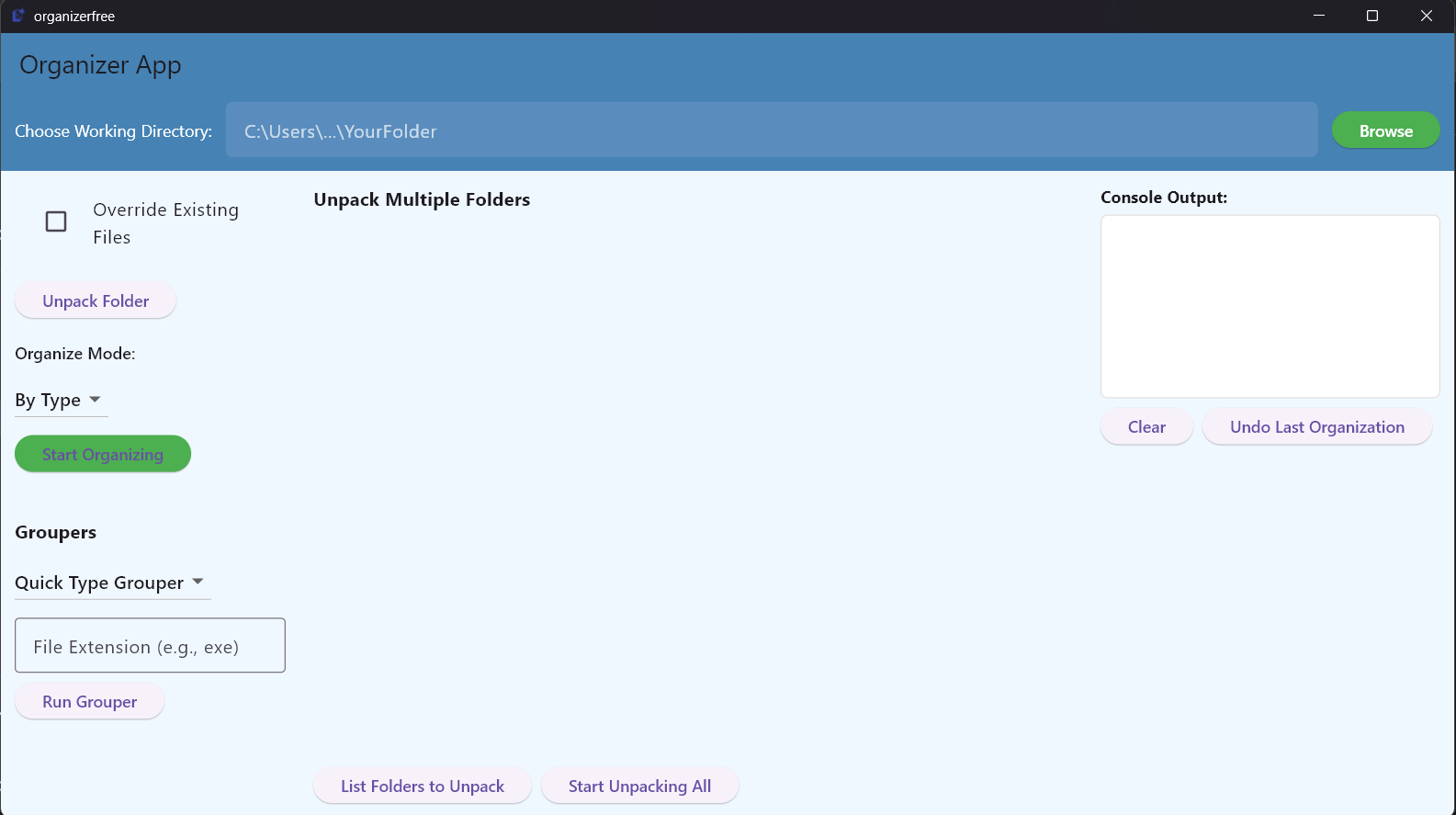
- Smart Organize: Automatically sort files by type, extension, or folder logic
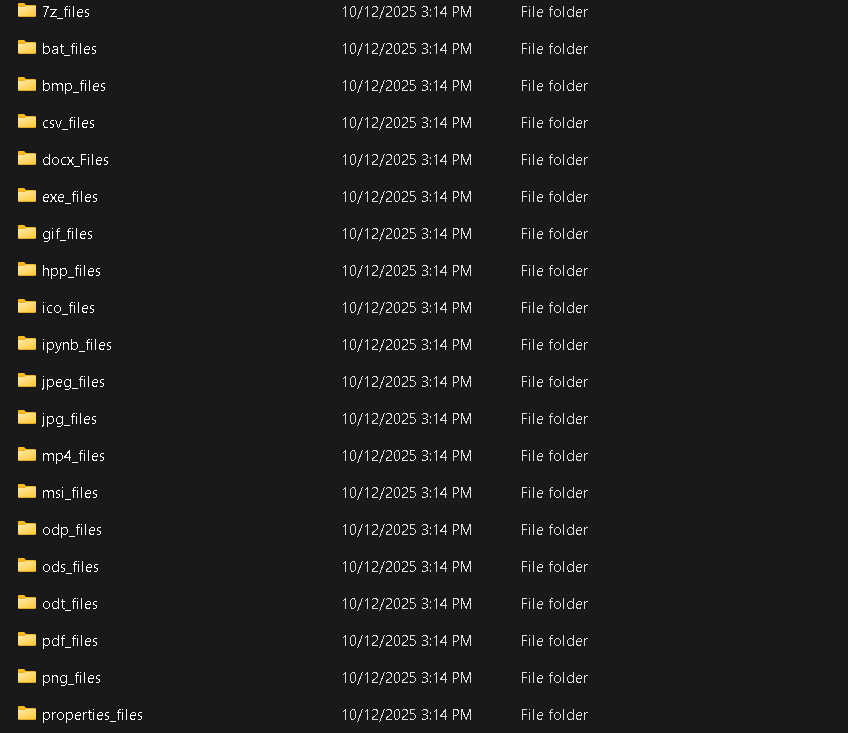
- Quick Pack: Group files into folders like
exe_files,jpg_files, etc. - Unpack Wizard: Move files out of nested folders with one click
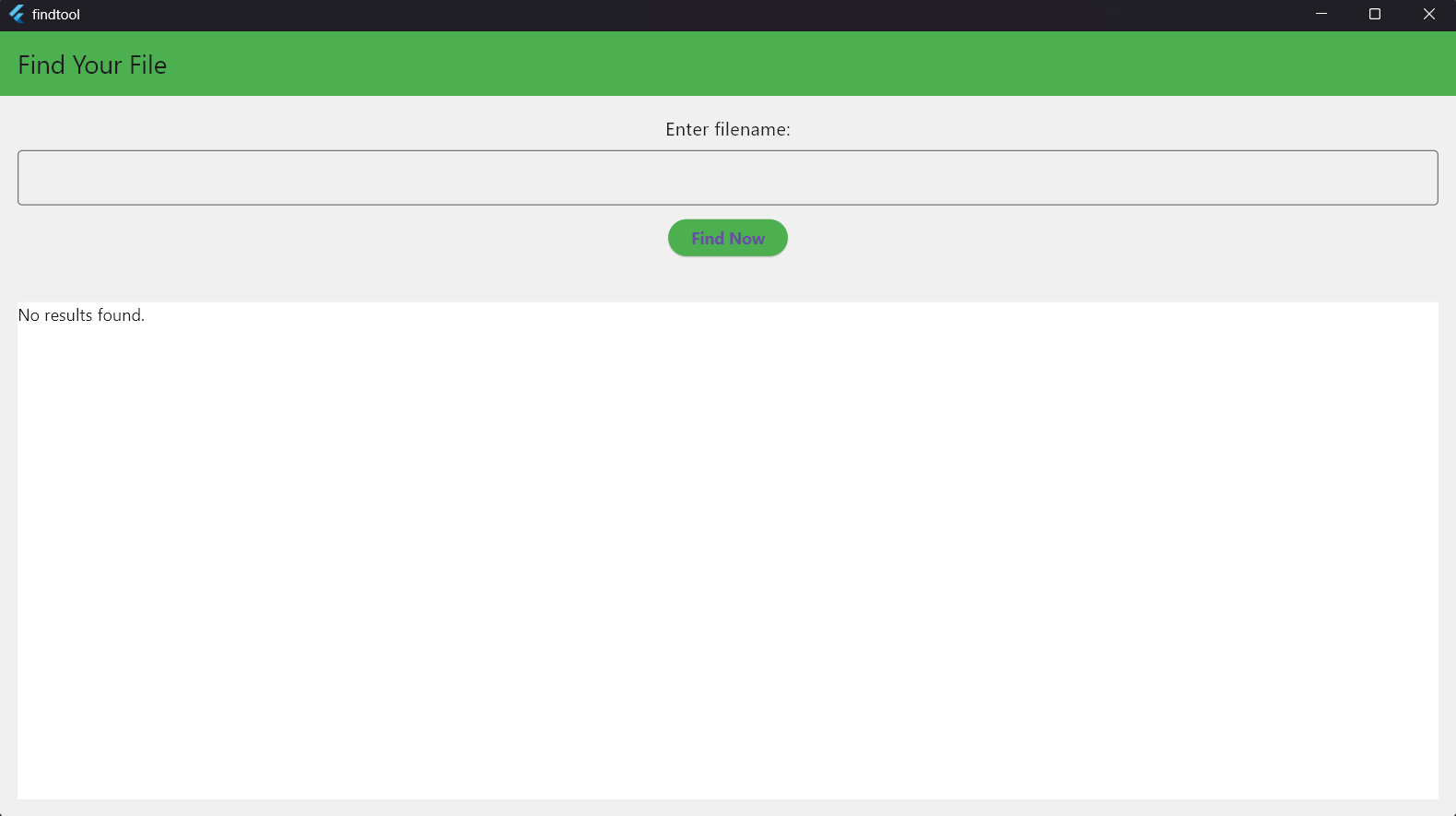
- Search Engine: Blazing-fast keyword lookup with auto indexing
- Undo Combo: Reverse your last pack or organize action instantly
🧠 Why It’s Different
- No install, no setup — just run and go
- Built in C++ for speed and security
- Works fully offline
- Designed for lazy users, fast workflows, and digital hoarders
📦 How to Use
- Extract the ZIP
- Run
ORGANIZER APP.exe - Choose your folder and click “Organize”
- Use the built-in search tool for instant file lookup
❤️ Made by na-source
“I built this to solve my own chaos. If it helps you, I’ve succeeded.”
🔓 Free for Personal Use
- No reverse engineering or resale
- Share as-is with credit
- No warranty — just raw utility
📘 How to Use Organizer App
for windows:
- Download and unzip the folder
- Run
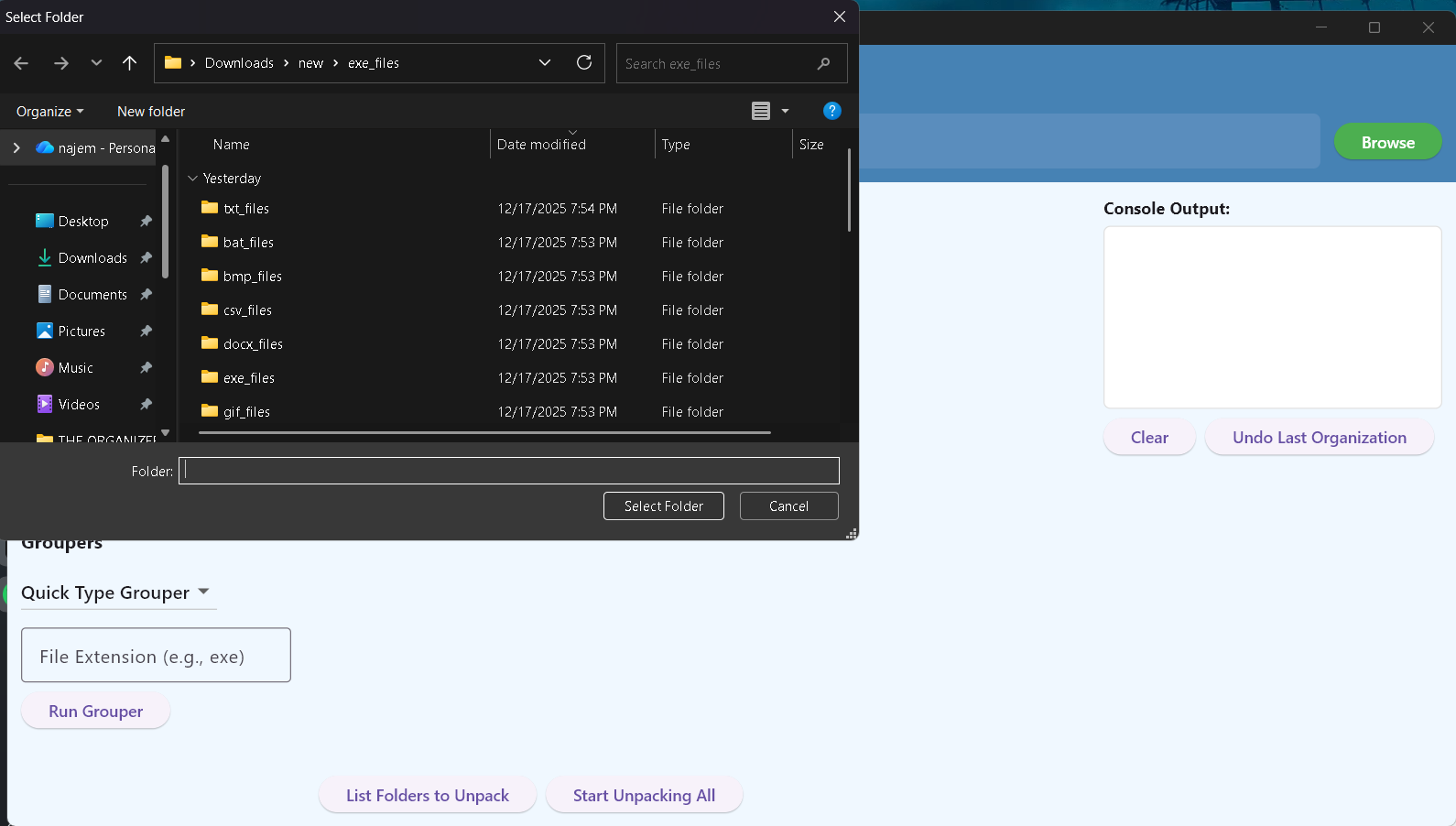
ORGANIZER APP.exe— no install needed - Choose your working directory
- Click “Organize” to sort files by extension
- Use “Quick Pack” for targeted file types (e.g.,
.exe,.jpg), that means type exe in the box and click pack then all the exe files will go to exe_files folder ... - Use “Unpack Wizard” to flatten multiple nested folders
- After organizing, a
findTool.batwill appear in the folder - Run
findTool.batand enter keywords to search files instantly - Click results to preview files in a pop-up window
- Use the Undo button to reverse your last action
for linux :
affter unzipping enter the folder and open the terminal in that folder,
write : chmod +x add_to_desktop.sh
then write : ./add_to_desktop.sh
this will add the organizer to the desktop and can be entered if
searched in the apps. the use is very similar to windwos version.
after organizing the findtool will be added as an sh file, to run it (run the search engine ) right mouse click on findtool.sh and click run as a program
Download
Install instructions
1- unzip the folder
2- run ORGANIZER APP
3- launch the add to desktop , so an icon will be added to your desktop. in linux
open the terminal in this app folder and enter: chmod +x add_to_desktop.sh
then enter: ./add_to_desktop.sh
so the app will be ready to go from you desktop!
in windows just launching it does all.
4-after organizing a certain folder, in that folder the findtool file will be added automatically, entering it will allow searching the files in that folder
Development log
- the full organizer app is still free69 days ago
- i opened a youtube channel to demonstrate my projects79 days ago
- giving the full version for free85 days ago
- UPDATE: am giving the full version for free for 2 days87 days ago
- updated the search engine algo in linux90 days ago
- updated the free version search engine91 days ago
- ongoing updates for the search engine in the free version91 days ago
- Major Update for the search Engine91 days ago
Comments
Log in with itch.io to leave a comment.
hello,
your are invited to have the full version of the organizer app totally for free in this link in gumroad:
https://nasource.gumroad.com/l/theorganizerapp
am making this full version for free as a thanks for all the supporters who tried the free version, if you liked the free version then this one has much more! .
i will be happy to hear feedbacks about it.
NOTE: when you get this full version you will have it for life , this offer is limited to 2 days, and you can use the same license for up to 7 devices/ re installs.
thanks!